Updated: June 2026 · Iraq Public M3U · Free-to-Air IPTV Sources
Quick Overview
- Public Iraq IPTV playlist in M3U format
- Made for VLC, Kodi, Android TV, Firestick, Smart TV, iPhone, and iPad
- Focused on public, free-to-air, and DMCA-friendly IPTV sources
- No paid IPTV subscription, PPV, premium sports, or copyrighted TV packages
This Iraq IPTV Playlist page gives you a simple way to test public Iraqi M3U streams with a trusted IPTV player. Copy the playlist link, add it to VLC or another M3U-compatible app, and check which public channels are currently available.
Unlike paid IPTV services, this page is not built around subscriptions, private servers, reseller panels, or premium channel packages. Popular Playlist is an educational IPTV/M3U directory that helps users understand how public playlists work and how to use them safely.
Copy the Iraq IPTV Playlist URL
Use this public Iraq M3U playlist with VLC, Kodi, Firestick, Android TV, Smart TV, iPhone, iPad, or another player that supports M3U playlist URLs.
Public · Free-to-Air
https://iptv-org.github.io/iptv/countries/iq.m3u
Legal & DMCA-Friendly Use
This Iraq IPTV Playlist is for public and free-to-air M3U sources only. Popular Playlist does not host video files, IPTV servers, paid TV channels, premium sports, PPV events, cracked apps, or copyrighted subscription-only streams.
- Public IPTV sources only
- No paid channel packages
- No premium sports or PPV events
- No cracked IPTV services or reseller access
- Copyright concerns can be reviewed and removed when needed
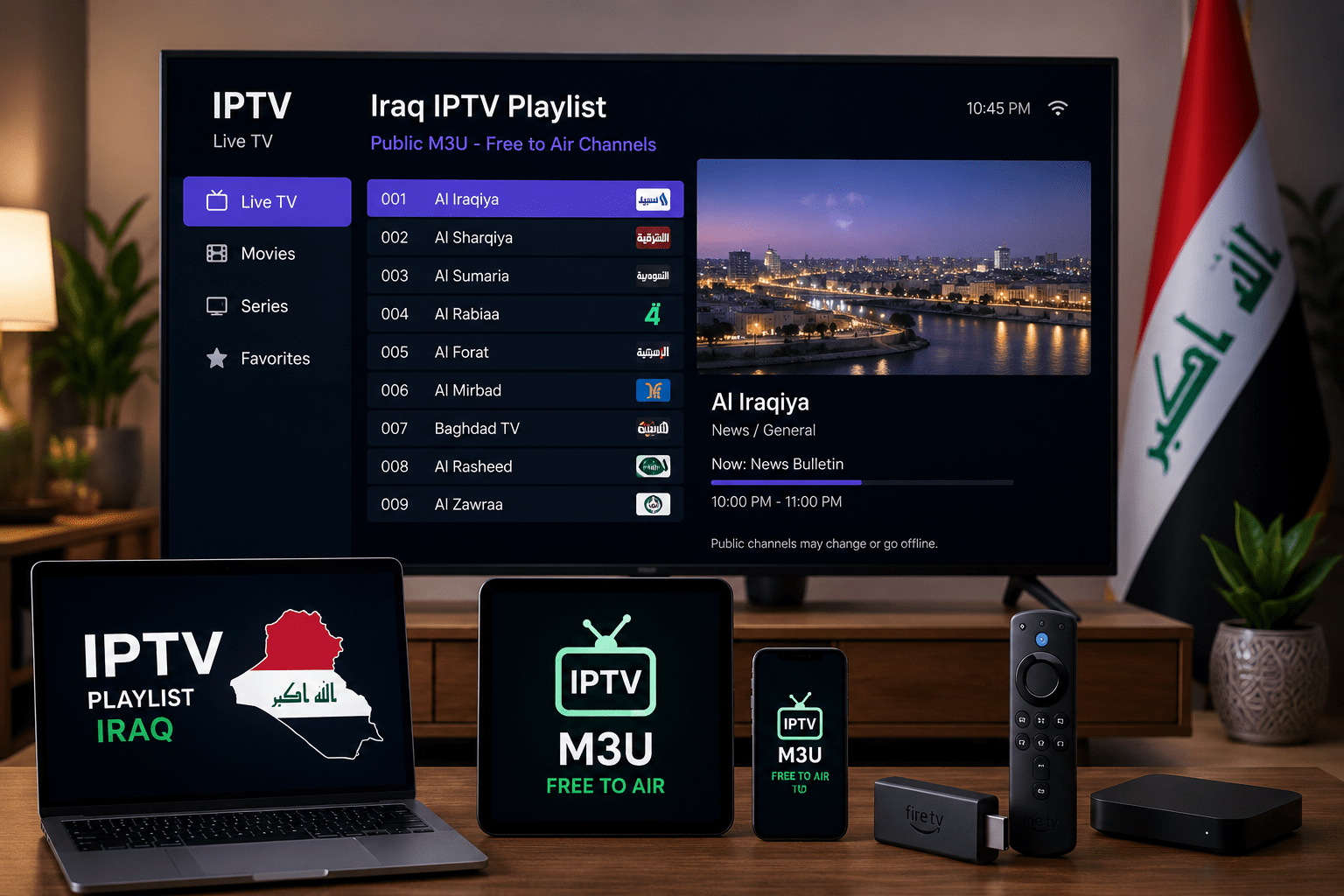
Best Way to Test the Iraq M3U Playlist
Before adding the playlist to a TV app, it is better to test it on a desktop player first. This helps you understand whether the playlist URL is working, whether your internet connection is stable, and whether the issue comes from the stream source or the device.
3-Minute Test
Open VLC on desktop, choose “Open Network Stream,” paste the Iraq M3U URL, and press play. If the playlist works in VLC, you can add the same link to Android TV, Firestick, Kodi, Smart TV, iPhone, or iPad.
What This Playlist Is Good For
The Iraq IPTV playlist is useful when you want to test public Iraqi streams without installing unknown apps or using suspicious IPTV websites. It works best as a simple M3U source for legal public channels and educational IPTV testing.
| Use Case | Recommended Player | Why It Helps |
|---|---|---|
| Quick playlist test | VLC Media Player | Fast way to check if the M3U link opens correctly |
| TV-style browsing | Kodi or TiviMate | Better layout for channel lists and remote control use |
| Firestick viewing | M3U-compatible IPTV app | Works well for lightweight TV playback |
| Smart TV setup | Smart TV IPTV app | Useful if the app supports playlist URL import |
| Mobile playback | iPhone, iPad, or Android IPTV player | Good for testing public streams on the go |
What Kind of Public Channels May Appear?
Public M3U playlists can change often. The Iraq playlist may include different public streams depending on source availability, region restrictions, and whether the original broadcaster keeps the stream online.
Possible public channel types may include:
- News and public information channels
- Local or regional Iraqi channels
- General entertainment streams
- Culture, community, or educational channels
- Music or lifestyle channels when available
This page does not promise a fixed channel list. Public streams may disappear, move, or stop working without notice.
Simple Setup Steps
You do not need a complicated setup. You only need the M3U link and an IPTV player that supports playlist URLs.
- Copy the Iraq M3U playlist URL from the box above.
- Open VLC, Kodi, TiviMate, IPTV Smarters, or another trusted player.
- Choose “Open Network Stream,” “Add Playlist,” or “Add M3U URL.”
- Paste the playlist URL.
- Save or open the playlist and wait for public channels to load.
Playlist Health Checklist
If the Iraq playlist does not work immediately, do not assume the player is broken. Public IPTV streams can be unstable because the original stream source may change or go offline.
Check These First
- Make sure the M3U URL was copied completely
- Test the link in VLC before using it on TV apps
- Refresh the playlist inside your IPTV player
- Try another device or another internet connection
- Check again later if a public source is temporarily offline
Device Notes for Iraq IPTV Playlist
Different devices handle M3U links differently. Some players load the playlist instantly, while others may require a refresh, app restart, or manual playlist update.
| Device | Setup Note | Best Practice |
|---|---|---|
| Desktop | Use VLC or Kodi to test the link first | Start here before using a TV device |
| Android TV | Use an app that supports M3U URL import | Save the playlist and refresh if channels do not appear |
| Firestick | Works with compatible IPTV players | Test the link in VLC if playback fails |
| Smart TV | Some apps require adding the URL through a web portal | Check your app’s playlist instructions |
| iPhone / iPad | Use an iOS IPTV player that supports M3U links | Avoid apps that promise premium channels for free |
Open Iraq M3U Playlist Again
Use this second copy box if you want to grab the playlist link after reading the setup steps.
https://iptv-org.github.io/iptv/countries/iq.m3u
Tip: If the link does not load, test it in VLC first and then try your TV player again.
What Popular Playlist Does Not Provide
Popular Playlist is not a private IPTV provider. We do not sell subscriptions, host streams, unlock channels, provide reseller access, or promote copyrighted content. If a stream is not public, authorized, or free-to-air, it does not belong on this page.
Not Included Here
- Premium sports channels
- PPV events
- Paid movie channels
- Subscription-only cable networks
- Cracked IPTV services
- Unauthorized copyrighted streams
When a Channel Does Not Load
A public stream can stop working even if the playlist URL still opens. This can happen when the original stream source changes, a server goes offline, an app cannot read the stream format, or the broadcaster blocks external playback.
Try this order:
- Refresh the playlist inside your IPTV app.
- Test the same M3U URL in VLC.
- Try a different player.
- Restart your router or switch internet connection.
- Wait and test again later.
Frequently Asked Questions
Is the Iraq IPTV playlist free?
Yes, the playlist link on this page is intended for public and free-to-air M3U sources. It is not a paid IPTV subscription and does not include premium TV access.
Does Popular Playlist host the Iraq IPTV channels?
No. Popular Playlist does not host video streams or IPTV servers. This page only explains how to use a public M3U playlist with compatible IPTV players.
Can I use the Iraq playlist on VLC?
Yes. VLC is one of the easiest players for testing M3U links. Open VLC, choose Open Network Stream, paste the playlist URL, and start playback.
Can I use this playlist on Firestick?
Yes, if your Firestick IPTV app supports M3U playlist URLs. If it does not load, test the same link on VLC first.
Can I use this Iraq M3U playlist on Smart TV?
Yes, as long as your Smart TV IPTV app supports M3U or M3U8 URL import. Some apps may require adding the playlist through a web portal.
Why are some channels missing or offline?
Public streams can change or go offline without notice. A channel may stop working if the source URL changes, the server is offline, or external playback is blocked.
Does this page include premium Iraqi channels?
No. This page does not include PPV, paid sports, premium movie channels, or subscription-only copyrighted content.
Do I need a VPN?
A VPN is not required to open a public M3U playlist. Some users may use one for privacy, but stream availability still depends on the original public source.
What is the best player for this playlist?
For quick testing, VLC is usually the simplest option. For TV-style viewing, Kodi, TiviMate, IPTV Smarters, Android TV apps, Firestick apps, or Smart TV IPTV apps can also work.