Official Kodi Download Links
Start with the official download page or a trusted app store. Pick your device below and avoid random “premium”, “fully loaded”, or modified Kodi builds.
No cracked builds here
Kodi is a media player, not an IPTV subscription. Popular Playlist does not provide premium channels, paid sports, PPV events, copyrighted add-ons, cracked builds, or unauthorized streaming sources.
What Is Kodi Player?
Kodi is a free, open-source media center that helps you organize and play media on a TV, computer, phone, or streaming device. It is often used on Android TV, Firestick, Windows, Mac, Linux, and other devices because the interface works well on big screens and remote controls.
The important thing to understand is simple: downloading Kodi does not give you TV channels. Kodi needs legal media files, public sources, official add-ons, or your own authorized playlist to play content.
The app that organizes and plays media.
A playlist file or URL that points a player to stream sources.
Extra tools inside Kodi. Use only trusted and legal add-ons.
A separate content provider. Kodi itself is not a service.
Before You Download Kodi
Use official sources
The safest route is the official Kodi website, Google Play for Android, or the Microsoft Store for Windows. This helps you avoid modified builds and unsafe APK files.
Avoid “fully loaded” builds
Some websites advertise Kodi with free movies, sports, PPV, or premium channels. Those builds can be risky and may point users toward unauthorized content.
Search terms like “Kodi APK”, “Kodi old version”, and “Kodi downloader code” are common, but they can lead to unsafe pages. Use official links whenever possible.
How to Download Kodi on Firestick
Firestick users often search for Kodi because it works well with remote-control navigation. Since Firestick is based on Android, many users install the Android version, but the safest first step is still to start from Kodi’s official Android download page.
- Open the official Kodi download page or the official Android download page.
- Choose the Android build that matches your device architecture when needed.
- Install only from a trusted source and avoid random APK mirrors.
- Open Kodi after installation and configure your media library or legal playlist source.
- If you use an M3U playlist, test the URL first in a simple player like VLC before adding it to Kodi.
cracked Kodi builds, “fully loaded” Kodi APKs, piracy add-ons, premium sports bundles, or apps claiming to unlock paid TV channels for free.
Kodi Download for Android, Windows, Mac, and iOS
| Platform | Best download path | Setup note |
|---|---|---|
| Android / Google TV | Google Play or official Android page | Best for Android TV boxes, tablets, and Google TV devices. |
| Firestick / Fire TV | Official Kodi Android page | Check your device compatibility before installing any APK. |
| Windows | Microsoft Store or official Windows installer | Microsoft Store is simple; installer gives direct setup control. |
| Mac | Official macOS download page | Download the macOS build directly from Kodi’s site. |
| iOS / tvOS | Official Kodi iOS or tvOS page | Installation may require extra steps depending on the device. |
Should You Download an Old Kodi Version?
Keywords like Kodi 17.6 download, Kodi 18 download, Kodi 19 download, Kodi 20 download, and Kodi 21 download are still searched because some users have older devices or old add-on setups.
In most cases, the current stable version is the better choice. Old versions may miss security updates, compatibility fixes, or newer platform support. Only use an older release if you have a specific device requirement and you understand the risk.
- Use the current stable release for normal use.
- Avoid unknown “old version” APK websites.
- Back up your Kodi settings before changing versions.
- Do not install old builds just to run suspicious add-ons.
Public M3U Playlist
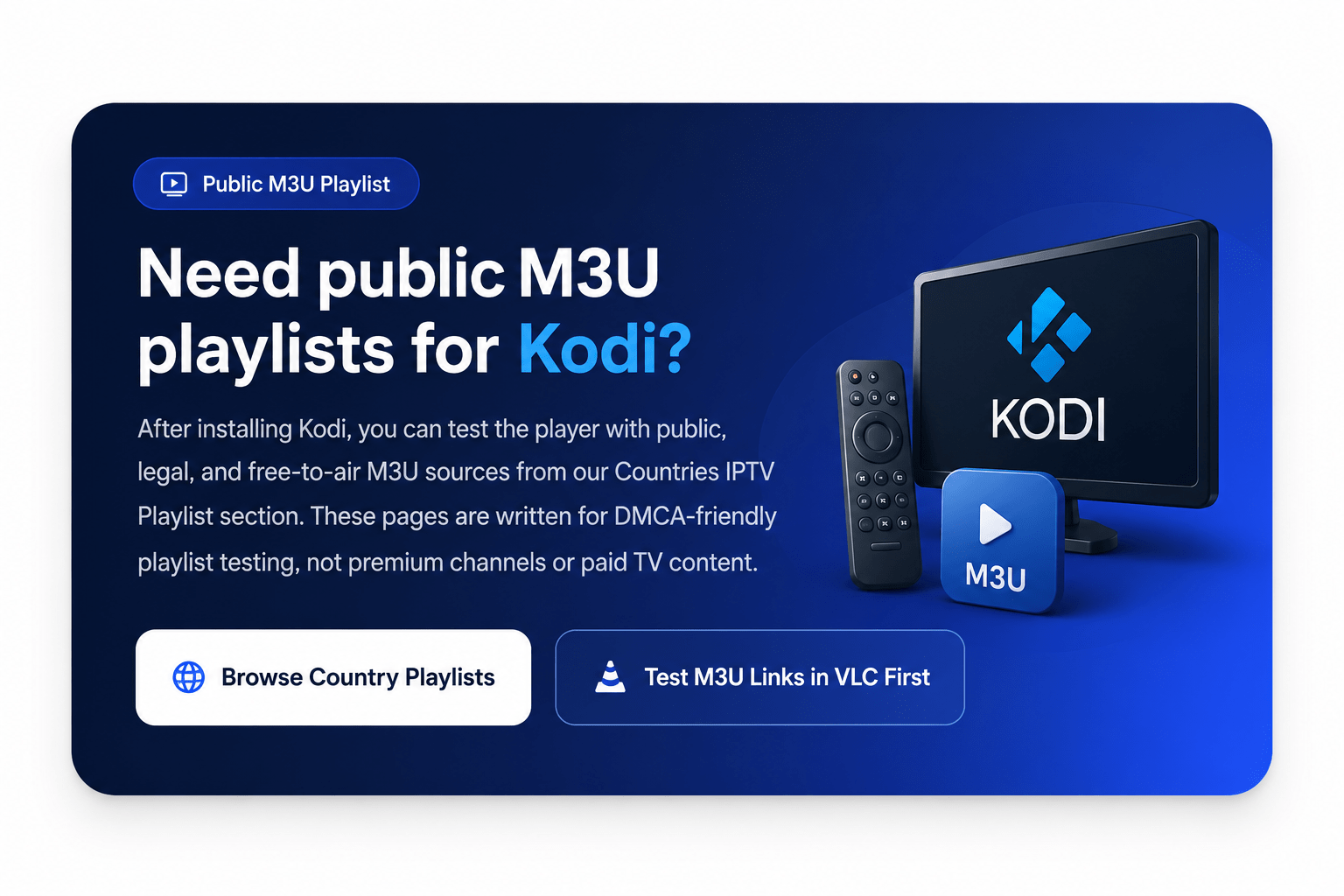
Need public M3U playlists for Kodi?
After installing Kodi, you can test the player with public, legal, and free-to-air M3U sources from our Countries IPTV Playlist section. These pages are written for DMCA-friendly playlist testing, not premium channels or paid TV content.
How to Add an M3U Playlist to Kodi
Kodi can work with legal M3U playlists, but it is better to test the playlist URL before building your whole setup around it. If the playlist does not work in a simple player, it will probably not work well in Kodi either.
- Copy a public or authorized M3U playlist URL.
- Test the URL in VLC or another simple M3U player.
- Open Kodi and install only the official or trusted playlist-related add-ons you need.
- Add the M3U URL inside the playlist setup area.
- Save the playlist and let Kodi load the available channels.
- Remove any source that points to premium or unauthorized content.
Kodi Player vs Add-ons vs IPTV Playlist
| Item | What it does | Legal note |
|---|---|---|
| Kodi Player | Plays and organizes media on your device | Kodi itself is legal media software. |
| Official Add-ons | Add features or connect to approved services | Use trusted add-ons from reliable sources. |
| M3U Playlist | Points Kodi or another player to stream URLs | Use public, free-to-air, or authorized sources only. |
| IPTV Subscription | Separate service that provides content access | Kodi does not include subscriptions or channels. |
| Cracked Build | Modified package with unknown changes | Avoid it for security and copyright reasons. |
Safe Kodi Download Checklist
- Start from the official Kodi download page when possible.
- Use Google Play for Android if your device supports it.
- Use Microsoft Store or the official installer for Windows.
- Check compatibility before installing Kodi on iOS or tvOS.
- Avoid cracked builds, unknown APK mirrors, and piracy add-ons.
- Use only public, legal, free-to-air, or authorized playlist sources.
FAQ: Download Kodi Player
Is Kodi free to download?
Yes. Kodi is free and open-source media player software. Use official download sources to avoid modified or unsafe builds.
Can I download Kodi on Firestick?
Many Firestick users install Kodi because Fire TV devices are Android-based. Start from Kodi’s official Android download page and avoid unknown APK sources.
Is Kodi available for Android?
Yes. Kodi is available for Android through Google Play and the official Kodi Android download page.
Can I download Kodi for Windows?
Yes. Windows users can use the Microsoft Store version or the official Windows installer from Kodi’s website.
Can I install Kodi on Mac?
Yes. Kodi has an official macOS download page. Download the Mac version directly from Kodi’s website.
Does Kodi include IPTV channels?
No. Kodi is a player, not an IPTV subscription. It does not include premium channels, sports packages, PPV events, or playlists by itself.
Should I use Kodi 17.6 or an old version?
Most users should use the current stable version. Older versions may be needed for some legacy setups, but they can miss security and compatibility updates.
Does Popular Playlist host Kodi APK files?
No. Popular Playlist does not host Kodi APK files, app installers, cracked builds, premium channels, PPV streams, or copyrighted video content.