Android TV • Firestick • Windows • iOS
M3U Player Guide
Safe TiviMate IPTV Player Download Guide
Looking for TiviMate download options? This guide helps you choose the right version for your device, understand TiviMate Premium and Companion, and use the app safely with your own legal M3U playlist.
Choose Your Device
Use the buttons below to open TiviMate or TiviMate-compatible download options for your device. Always use official or trusted app sources and avoid cracked APK files.
No APK hosted here
Popular Playlist does not host TiviMate APK files, cracked apps, IPTV subscriptions, premium channels, PPV streams, or copyrighted video content. This page is an educational download and setup guide for users who already have their own legal M3U playlist or authorized login source.
What Is TiviMate?
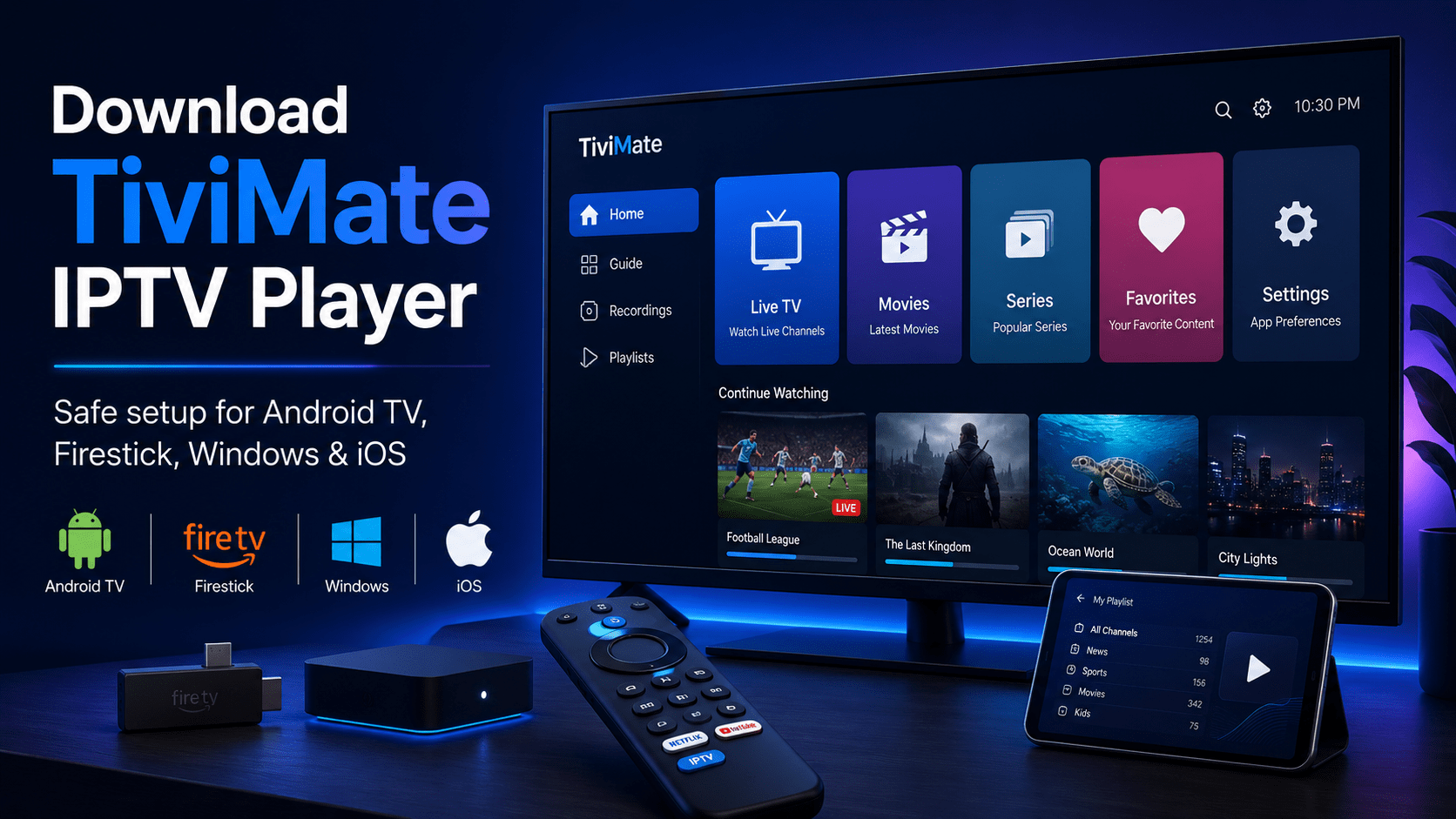
TiviMate is a popular IPTV player used mostly on Android TV, Google TV, and Firestick-style devices. It is built for users who want a cleaner TV interface for M3U playlists, live channel lists, favorites, and playlist management.
The important part is this: TiviMate is a player, not an IPTV service. Downloading TiviMate does not give you premium channels, football packages, PPV events, movies, or a subscription. You still need your own legal M3U playlist, Xtream-style login, or authorized source.
Quick Download Notes by Platform
TiviMate for Android TV
Best for Android TV boxes, Google TV devices, and TV screens where remote control navigation matters most.
TiviMate on Firestick
Firestick users often search for TiviMate because the app is remote-friendly. Use trusted sources and avoid random APK mirrors.
Windows & iOS Options
Availability can depend on the app store, region, and compatible player version. Always check app details before installing.
If an app page promises “TiviMate Premium APK”, “free premium unlocked”, or cracked features, avoid it. Those downloads may be unsafe and can also create legal or security risks.
TiviMate Premium, Companion, and Account Notes
Many users search for TiviMate Premium, TiviMate Companion, and TiviMate account because some advanced features may require account or companion-app management depending on the version and platform.
Popular Playlist does not sell TiviMate Premium, accounts, subscriptions, or activation services. This guide is only here to help users understand the difference between a media player, a playlist, and an IPTV provider.
Simple Difference
- TiviMate: the player app
- M3U playlist: your channel source
- Premium: app feature access, not TV channels
- IPTV service: separate from the player
How to Install TiviMate on Firestick
Firestick searches are common because users want a TV-style IPTV interface. The exact setup can vary by device, region, and app availability, but the safe approach stays the same: use trusted sources and avoid modified APK files.
- Check whether TiviMate or a compatible player is available from a trusted app source for your device.
- Install the app only from a source you trust.
- Open the app after installation and choose the playlist setup option.
- Add your own legal M3U URL or authorized login details.
- Save the playlist and wait for channels to load.
Do not install cracked TiviMate APK files, premium-unlocked APKs, unknown downloader links, or apps that promise paid channels for free.
How to Add an M3U Playlist to TiviMate
TiviMate works best when you already have a clean and legal M3U playlist. After installing the player, you can add a playlist URL and let the app organize the channel list.
- Open TiviMate or your compatible IPTV player.
- Choose the option to add a playlist.
- Select M3U URL if your playlist is link-based.
- Paste your M3U playlist URL carefully.
- Save the playlist and allow the app to load channel data.
- If the playlist fails, test the same URL in VLC first.
Need a free USA popular IPTV playlist for testing?
After installing TiviMate, you may want to test the player with a public and free-to-air playlist source. Our
free USA popular IPTV playlist
page explains how to open a public USA M3U playlist with VLC, Firestick, Android TV, Smart TV, iPhone, iPad, Kodi, and other M3U-compatible players.
TiviMate vs IPTV Service vs M3U Playlist
| Item | What It Means | Does It Include Channels? |
|---|---|---|
| TiviMate IPTV Player | A media player for managing and watching playlists | No, not by itself |
| TiviMate Premium | Advanced app features depending on platform/version | No, it does not provide TV content |
| M3U Playlist | A playlist format that points a player to stream URLs | Only if the playlist contains working legal streams |
| IPTV Provider | A separate service or source that provides content access | Depends on authorization and legality |
Safe Download Checklist
Because TiviMate-related searches include terms like TiviMate APK, TiviMate Premium APK, and TiviMate subscription, it is important to be careful before installing anything.
- Use official app stores or trusted sources whenever possible.
- Check the app name, developer, reviews, and update history.
- Do not download cracked, modded, or unlocked APK files.
- Do not trust apps that promise premium channels for free.
- Only add public, legal, free-to-air, or authorized playlist sources.
- Remember that TiviMate is a player, not a TV subscription.
When TiviMate Does Not Load a Playlist
A playlist problem does not always mean the app is broken. Public M3U links can expire, stream URLs can move, servers can go offline, and some sources may block external playback.
Try This First
- Copy the M3U URL again
- Test the same URL in VLC
- Refresh the playlist inside the app
- Check your internet connection
- Try another trusted player
Common Causes
- Expired playlist URL
- Offline public stream
- Incorrect login details
- Unsupported stream format
- Geo-restricted source
FAQ: Download TiviMate IPTV Player
What is TiviMate?
TiviMate is an IPTV player designed for managing and watching M3U playlists and compatible IPTV sources. It does not include channels by itself.
Can I download TiviMate for Firestick?
Many users use TiviMate-style IPTV players on Firestick and Fire TV devices. Availability and install steps can vary, so use trusted sources and avoid cracked APK files.
Does TiviMate Premium include channels?
No. TiviMate Premium may unlock app features, but it does not provide live TV channels, premium sports, PPV events, movies, or playlists.
What is TiviMate Companion?
TiviMate Companion is commonly associated with account or premium management for the app. It is separate from IPTV content and does not provide channels by itself.
Can I use a free M3U playlist for TiviMate?
Yes, if the playlist is public, legal, and free-to-air. Popular Playlist focuses only on DMCA-friendly playlist guidance and does not provide premium or unauthorized streams.
Is TiviMate available for Windows or iOS?
Availability can vary by platform and app store. Always check the official store page, app details, and compatibility before installing.
Does Popular Playlist host TiviMate APK files?
No. Popular Playlist does not host APK files, app installers, IPTV subscriptions, premium channels, PPV streams, or copyrighted content.