Updated: September 2026 · UK Public M3U · Free-to-Air Sources
UK IPTV Playlist – Free Public M3U Channels
UK IPTV Playlist at a Glance
- Free UK IPTV playlist for public and free-to-air channels
- Supports VLC, Kodi, Firestick, Android TV, Google TV and Smart TV
- Uses standard M3U and M3U8 playlist formats
- Includes setup instructions for desktop, mobile and television devices
- Focused on public sources rather than premium IPTV subscriptions
Looking for a simple UK IPTV playlist that works with popular
M3U-compatible players? This page helps you explore publicly available and
free-to-air UK television streams on devices such as Windows PCs, Macs,
Android TV, Google TV, Amazon Fire TV, smartphones and supported Smart TVs.
Instead of installing a separate application for every channel, an M3U
playlist lets compatible media players organize multiple available streams
in one place. Popular Playlist focuses on public IPTV sources and does not
provide paid IPTV packages, PPV events or unauthorized subscription channels.
The UK IPTV playlist featured on this page is intended for public and
free-to-air television sources that can be accessed through compatible
IPTV software.
- Publicly available UK streams
- Free-to-air television sources
- No premium IPTV subscriptions
- No PPV event packages
- No cracked IPTV accounts
- Compatible with standard M3U players
Stream availability may change because broadcasters and source providers
can update, restrict or discontinue individual feeds.
What Is a UK IPTV Playlist?
A UK IPTV playlist is a collection of television stream addresses stored
in an M3U or M3U8 playlist. Instead of opening each channel
separately, you can import one playlist URL into a compatible IPTV player
and browse the available streams from a single interface.
Desktop users can open a UK M3U playlist with VLC or Kodi, while television
users can use compatible apps on Android TV, Google TV, Firestick and
supported Smart TVs.
If you are new to this format, see our
IPTV VLC guide
for a simple desktop setup tutorial.
UK IPTV Playlist M3U Link
Copy the UK M3U playlist URL and open it with VLC, Kodi, Firestick,
Android TV, Smart TV or another compatible IPTV player.
https://raw.githubusercontent.com/Free-TV/IPTV/master/playlists/playlist_uk.m3u8
URL with VLC Media Player first. This makes it easier to determine whether
the issue is the playlist or the IPTV app.
What UK Channels May Be Available?
The exact channels inside a UK M3U playlist can change as
public streams are added, moved or discontinued.
Depending on current availability, you may find categories such as:
UK News
Public national and regional news streams
Local TV
Regional and local television sources
Entertainment
Public entertainment programming
Music
Music and culture channels
Education
Educational and informational content
Family
Public family-friendly programming
This page is not intended to provide paid sports packages, premium movie
networks, PPV events or subscription-only television.
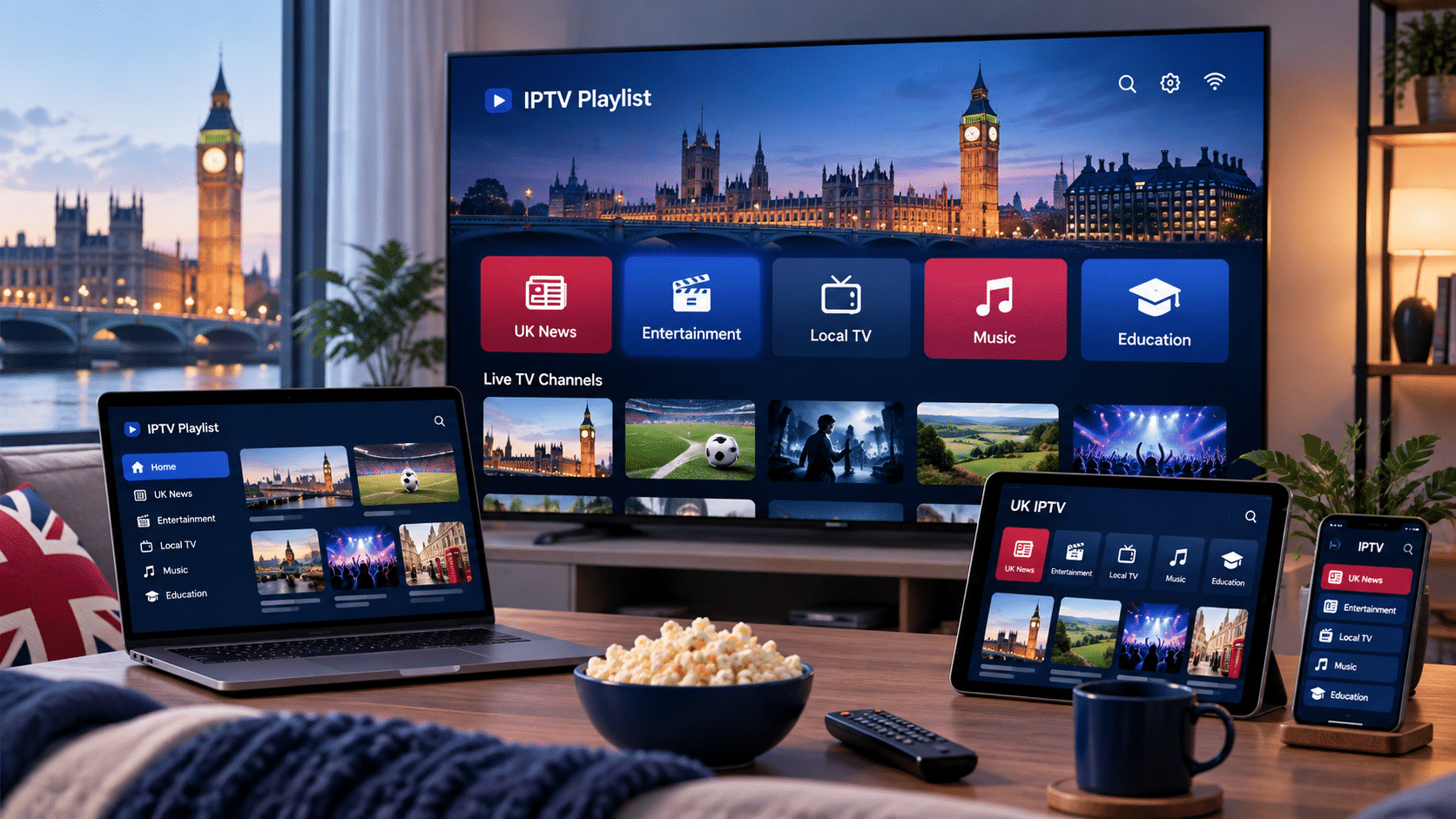
Watch UK IPTV on Different Devices
One advantage of using an M3U playlist is that it is not limited to a
single device or application. Most players that support external M3U URLs
can load the same UK IPTV playlist.
| Device / Player | Support | Recommended Use |
|---|---|---|
| VLC Media Player | ✓ | Windows, macOS and Linux testing |
| Kodi | ✓ | Media-center and TV-style interface |
| Android TV | ✓ | Large-screen IPTV playback |
| Google TV | ✓ | Streaming devices and smart televisions |
| Amazon Firestick | ✓ | Lightweight television setup |
| Smart TV Apps | ✓ | Compatible Samsung, LG and other TVs |
| iPhone / iPad | ✓ | Mobile playback with an M3U-compatible app |
| Android Phone / Tablet | ✓ | Mobile IPTV playback |
How to Use the UK IPTV Playlist
You normally need only the playlist URL and an IPTV player that supports
M3U links.
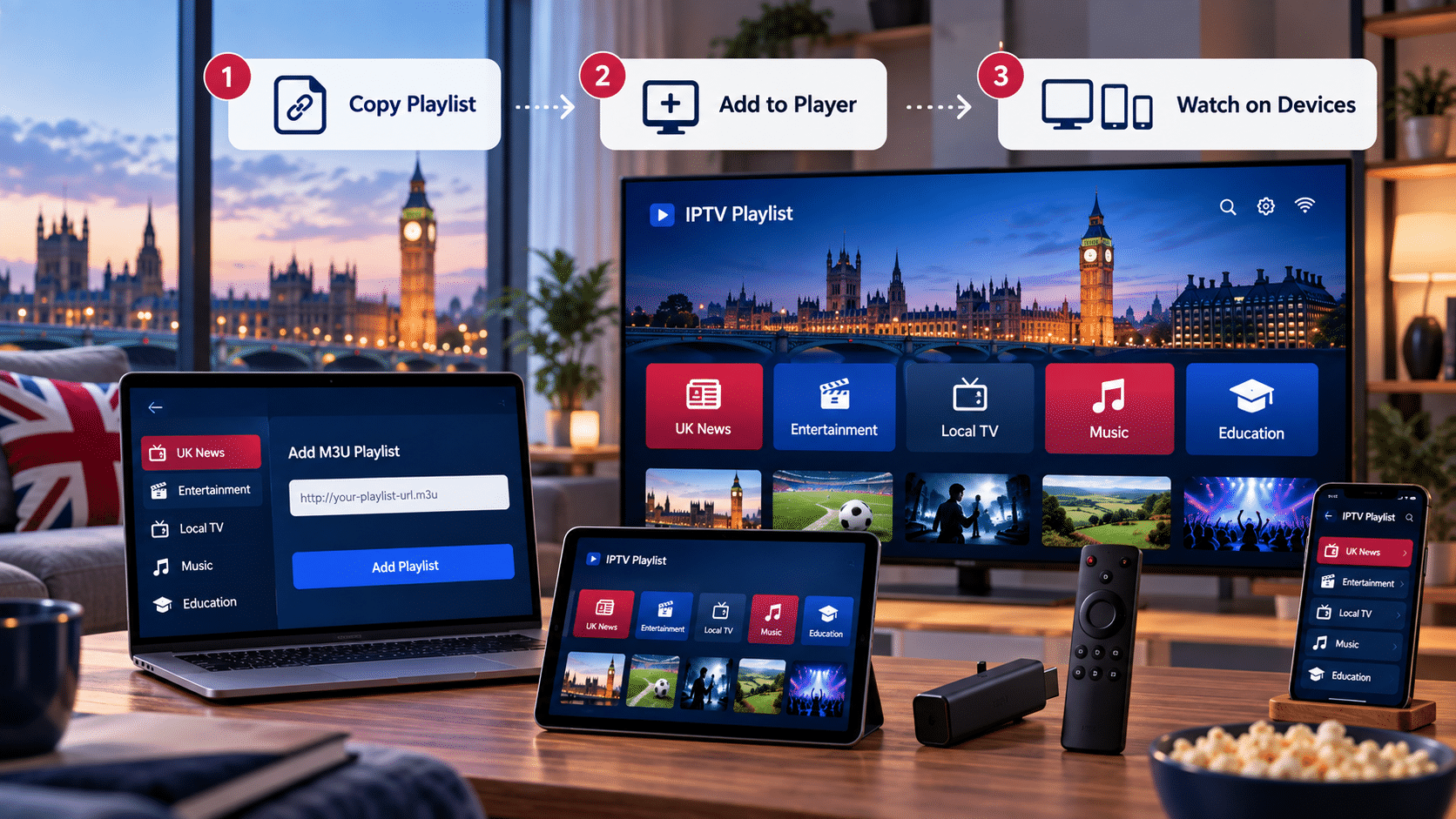
- 1
Copy the playlistCopy the UK IPTV M3U URL shown above.
- 2
Open your IPTV playerLaunch VLC, Kodi or another compatible IPTV application.
- 3
Add a playlistChoose Add Playlist, Add M3U or Playlist URL.
- 4
Paste the URLPaste the UK playlist address into the appropriate field.
- 5
Load the channelsSave the playlist and wait for available streams to appear.
Open the UK IPTV Playlist With VLC
VLC Media Player is one of the easiest ways to test whether a public UK
IPTV playlist is working correctly.
- Open VLC Media Player.
- Select Media.
- Choose Open Network Stream.
- Paste the UK M3U playlist URL.
- Click Play.
VLC is particularly useful for troubleshooting because it lets you test a
playlist before configuring the same URL on a television device.
UK IPTV on Android TV & Google TV
Android TV and Google TV support many applications capable of reading
remote M3U playlists.
- Install a trusted M3U-compatible IPTV player.
- Open the application.
- Select Add Playlist.
- Choose M3U or Playlist URL.
- Paste the UK IPTV playlist address.
- Save and allow the channel list to load.
UK IPTV Playlist on Firestick
Amazon Firestick and Fire TV devices can also use public M3U playlists
through compatible IPTV applications.
- Open your M3U-compatible IPTV app.
- Select Add Playlist or Add URL.
- Enter the UK playlist address.
- Save the playlist.
- Wait for available channels to load.
compatible IPTV app or reload the playlist.
Using a UK M3U Playlist on Smart TV
Many modern Smart TVs support IPTV applications that allow external M3U
playlist URLs.
Before using an app, check that it supports:
- M3U playlist URLs
- M3U8 playlist URLs
- Remote playlist loading
Some television apps let you enter the URL directly with the remote,
while others require playlist configuration through the app provider’s
website.
Open the UK M3U Playlist
Copy the public UK IPTV playlist and open it with VLC, Kodi, Android TV,
Firestick, Smart TV or another M3U-compatible player.
https://raw.githubusercontent.com/Free-TV/IPTV/master/playlists/playlist_uk.m3u8
Why Do Public UK IPTV Channels Stop Working?
Public IPTV streams are operated by external sources, so individual
channels can occasionally stop working even while the playlist itself
remains available.
Staying Safe When Using IPTV Playlists
Not every IPTV website offers the same type of content. Be cautious with
websites promising large collections of premium television networks,
sports packages and PPV events completely free of charge.
- Prefer clearly identified public sources
- Use established IPTV and media players
- Avoid unknown executable files
- Do not enter payment information into suspicious IPTV websites
- Download applications from trusted sources whenever possible
Is a UK IPTV Playlist Legal?
M3U is simply a playlist format. The legality of an individual television
stream depends on the source and the rights associated with that stream.
The playlist presented on this page is intended to focus on publicly
accessible and free-to-air sources. Popular Playlist does not host
television streams on its own servers and does not intentionally provide
paid sports packages, PPV content or subscription-only television.
If a source is reported as unauthorized or receives a valid copyright
complaint, it can be reviewed and removed.
What We Don’t Provide
Popular Playlist is not an IPTV subscription seller. This page does not
intentionally provide:
- Paid television subscriptions
- Premium sports packages
- PPV event streams
- Cracked IPTV accounts
- Pirated movie networks
- Unauthorized subscription-only channels
Browse IPTV Playlists by Country
Different countries have different broadcasters, public television
services and available streams. Explore more country-specific M3U
playlists and setup guides.
Frequently Asked Questions
Is the UK IPTV playlist free?
streams and does not require purchasing an IPTV subscription from
Popular Playlist.
What is an M3U IPTV playlist?
IPTV players read those URLs and organize the available streams into a
playable list.
Can I watch UK IPTV on VLC?
playlist URL and select Play.
Can I use the UK IPTV playlist on Firestick?
supports M3U or M3U8 playlist URLs.
Does the playlist work on Android TV?
M3U playlist URLs.
Can I use the playlist on Smart TV?
M3U or M3U8 playlists.
Why is a UK channel not working?
Try refreshing the playlist, testing it in VLC or checking again later.
Does this UK IPTV playlist include premium sports?
than premium sports subscriptions, PPV events or paid television
packages.
Do I need a VPN?
individual public stream may have geographic restrictions determined
by its original source.
How often is the UK IPTV playlist updated?
be checked periodically and unavailable links removed or replaced when
appropriate.