Updated: June 2026 · Nigeria Public M3U · Free-to-Air IPTV Sources
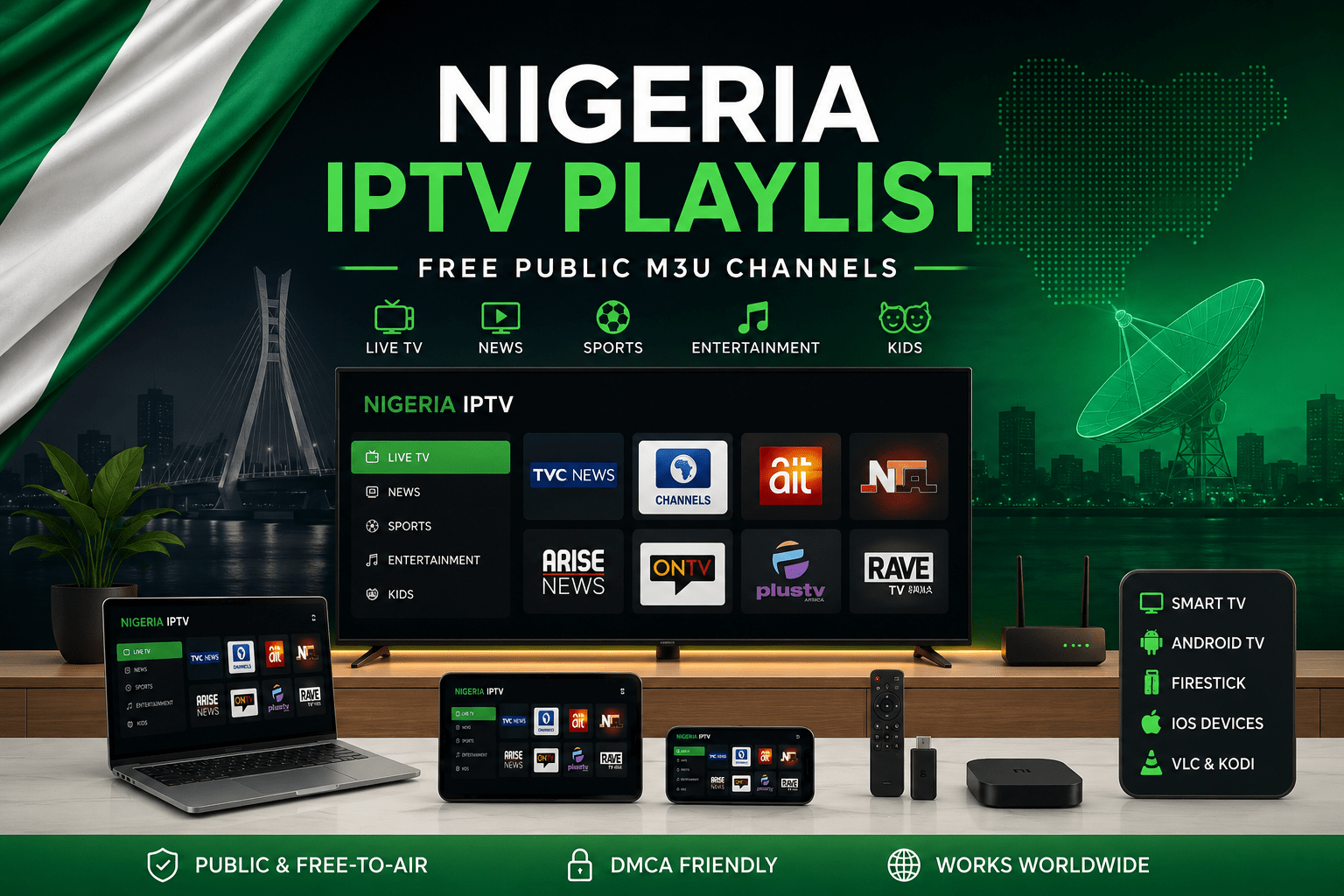
This Nigeria IPTV Playlist page is built for users who want a clean way to open public Nigerian M3U channels with trusted IPTV players. You can copy the playlist URL, test it in VLC, and then use the same public M3U link on Android TV, Firestick, Smart TV, iPhone, iPad, Kodi, or another compatible player.
Public, Legal & DMCA-Friendly Use
Popular Playlist is not an IPTV subscription provider. This page is written for public M3U playlist testing, player setup, and free-to-air IPTV discovery only. We do not host video streams, IPTV servers, private portals, PPV events, paid sports channels, premium movie channels, or copyrighted subscription-only content.
- Public M3U playlist information only
- No IPTV subscriptions or reseller access
- No premium sports, PPV, or paid TV packages
- No cracked IPTV apps or unauthorized sources
- Copyright concerns can be reviewed and removed when needed
Best Way to Test a Nigeria IPTV Playlist
The fastest way to test any free popular IPTV playlist URL is to open it on desktop first. VLC is usually the easiest option because it can load an M3U link directly without needing a full TV-style setup.
Quick VLC Test
Open VLC, choose Open Network Stream, paste the Nigeria M3U playlist URL, and press play. If the link works in VLC, you can add the same playlist to Firestick, Android TV, Smart TV, Kodi, iPhone, or iPad. For a full walkthrough, read our IPTV VLC Guide.
What Is a Nigeria IPTV Playlist?
A Nigeria IPTV playlist is an M3U or M3U8 file that contains public stream links. Instead of opening channels one by one, you add the playlist URL to an IPTV player, and the player reads the channel list from the M3U file.
This page is useful for users searching for a free Nigeria IPTV playlist, a free popular IPTV playlist link, or a public M3U playlist URL that can be tested on common IPTV players. The focus is safety and legality: public and free-to-air sources only.
Where This Playlist Works Best
Different devices handle public M3U playlists differently. The table below gives a quick view before you start testing.
| Device / Player | Best Use | Setup Note |
|---|---|---|
| VLC Media Player | Fast desktop testing | Best first step before adding the playlist to TV apps |
| Kodi | Media-center style browsing | Good if you want a TV guide-style layout |
| Android TV | Living room playback | Use an M3U-compatible IPTV app from a trusted source |
| Amazon Firestick | Remote-friendly TV setup | Test the link in VLC first if Firestick playback fails |
| Smart TV | Direct TV app playback | Some apps require adding the playlist URL through a web portal |
| iPhone / iPad | Mobile playlist testing | Use an iOS player that supports M3U URLs |
What Channels May Appear in the Nigeria Playlist?
Public IPTV playlists change over time. A Nigeria M3U playlist may include public streams such as news, general TV, educational content, community programming, music, lifestyle, or local free-to-air channels when those sources are available.
This page does not guarantee a fixed channel list. Public streams can be moved, removed, blocked, or changed by the original source. If a channel does not load, the playlist itself may still be valid while one stream inside it is offline.
Open the Nigeria M3U Playlist Again
Use this second copy box if you want to grab the public Nigeria IPTV playlist URL after reading the setup notes.
https://iptv-org.github.io/iptv/countries/ng.m3u
Tip: If the playlist does not load in your TV app, test the same URL in VLC first.
How to Use the Nigeria IPTV Playlist
You do not need a complicated setup. Most M3U players follow the same basic flow.
- Copy the Nigeria IPTV playlist URL.
- Open VLC, Kodi, IPTV Smarters, TiviMate, or another trusted M3U player.
- Choose “Add Playlist”, “Add URL”, or “Open Network Stream”.
- Paste the M3U URL.
- Save or open the playlist and wait for public channels to load.
Free Popular IPTV Playlist: Sports and Football Searches
Many users search for phrases like free popular IPTV playlist sports, free popular IPTV playlist football, or free popular IPTV playlist soccer. This page is not built to provide premium sports, PPV events, paid football packages, or copyrighted sports networks for free.
If a sports or football stream is not public, authorized, and free-to-air, it does not belong on Popular Playlist. For official paid sports, use the broadcaster’s licensed website, official app, or authorized TV provider.
What This Page Does Not Include
- No premium sports networks
- No PPV events
- No paid movie or entertainment channels
- No cable-only subscription channels
- No cracked IPTV services
- No unauthorized copyrighted streams
Playlist Health Checklist
If the Nigeria playlist does not work right away, check these items before switching apps.
Check These First
- Make sure the M3U URL was copied completely
- Test the playlist in VLC before using it on Firestick or Smart TV
- Refresh the playlist inside your IPTV player
- Try a different device or another internet connection
- Wait and test again later if a public stream is temporarily offline
Explore More Country Playlists
Nigeria is only one country page inside Popular Playlist. You can browse more public IPTV and M3U playlist pages from the main Countries IPTV Playlist section.
Frequently Asked Questions
Is this Nigeria IPTV playlist free?
Yes. This page focuses on a free public Nigeria IPTV playlist in M3U format. It is intended for public and free-to-air sources only.
Does this playlist include premium sports or football channels?
No. This page does not provide premium sports, PPV, paid football packages, or copyrighted subscription-only content. It is focused on public and legal M3U playlist use.
Can I use this Nigeria playlist on VLC?
Yes. VLC is one of the easiest ways to test the playlist. Open VLC, choose Open Network Stream, paste the M3U URL, and start playback.
Can I use the playlist on Firestick or Android TV?
Yes, if your IPTV app supports M3U playlist URLs. If the playlist does not load, test the same link on VLC first.
Why are some channels offline?
Public IPTV streams can change without notice. A channel may stop working if the original source changes the URL, blocks external playback, or takes the stream offline.
Does Popular Playlist host the Nigeria IPTV streams?
No. Popular Playlist does not host video streams, IPTV servers, premium channels, or PPV content. This page is an educational guide for public M3U playlist use.
What is the best player for this playlist?
For quick testing, VLC is usually the best first option. For TV-style viewing, Kodi, TiviMate, IPTV Smarters, Firestick apps, Android TV apps, and Smart TV IPTV apps can also work if they support M3U URLs.